The tool that takes over from TFixer.
TFast Unlocker Pro is the replacement for the TFixer tool, built by TFast Digital. Same workbench, one account across the website and the desktop application, and licensing that stays in step with your credits and files.
- Windows 7 / 8 / 10 / 11 (64-bit)
- 44 brands in the live catalog
- 1,095 device files
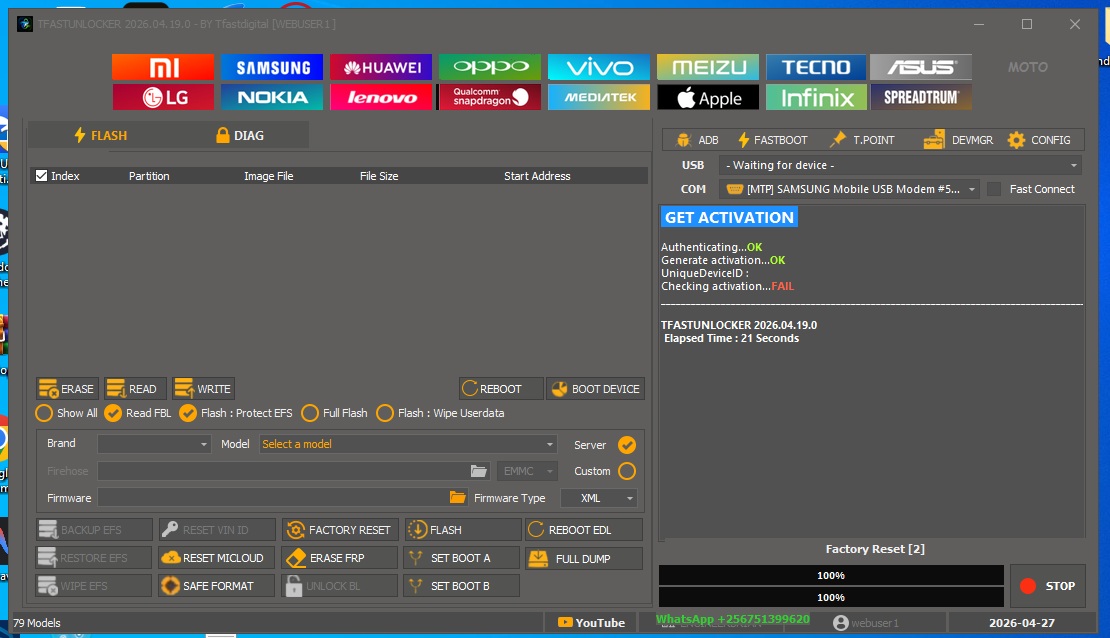
Switching over takes four steps.
Nothing carries across automatically from another tool — you start on a clean TFast account, and that account then drives everything.
- 1
Create your TFast account
One registration covers the website, the desktop tool, billing and support.
- 2
Choose a plan
Plans and credit packages are read live from the licensing service, so the price you see is the price that applies.
- 3
Install the tool and drivers
Download TFast Unlocker Pro plus the All-in-One driver package, then sign in with the same account.
- 4
Work as normal
Supported operations, device files and release updates are all served to the signed-in tool.
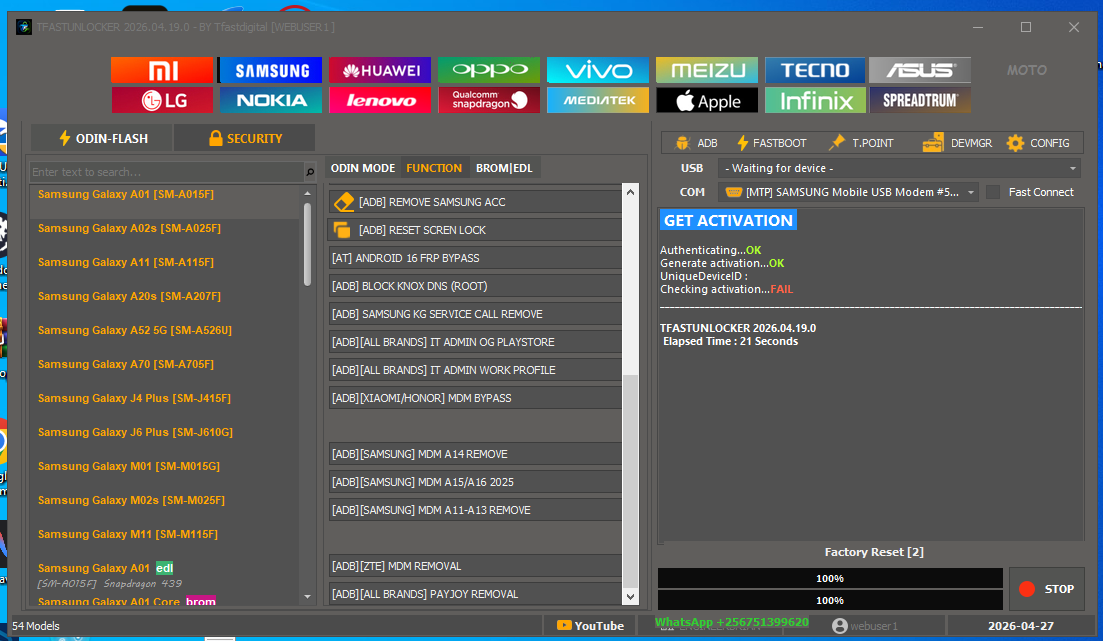
What you get on the TFast side.
The website and the desktop tool share one authoritative identity, licence and credit balance — there is no second account to reconcile.
Questions technicians ask before switching.
Is TFast Unlocker Pro the same as TFixer?
No. TFast Unlocker Pro is the tool that replaces TFixer. It is a separate Windows application built and operated by TFast Digital, with its own account system, licensing and device catalog.
Do I need a new account?
Yes. Create one TFast account and it works for both the website and the desktop application — the same identity carries your licence, credit balance and support history.
Which platforms does it service?
MediaTek (BROM, Preloader, DA, Meta), Qualcomm (EDL/Firehose, Fastboot), Samsung (Odin, Exynos, ADB), Kirin (Fastboot, testpoint), Unisoc, and eMMC/ISP workflows.
Which versions of Windows are supported?
Windows 7, 8, 10 and 11 on 64-bit. Install the All-in-One driver package before first use.
Does the tool work offline?
No. TFast Unlocker Pro is online-only. It authenticates against the TFast licensing service on every session, which is what keeps licences, credits and device files consistent.
How do I get help moving over?
Message the team on WhatsApp at +256 751 399 620 or join the Telegram channel at @tfasthub. Account and billing questions go through the signed-in help desk.
Still deciding? Ask first.
Send the device and the operation you need. You will get a straight answer about whether it is supported before you pay.
Ready to move across?
Create the account you will use inside TFast Unlocker Pro.